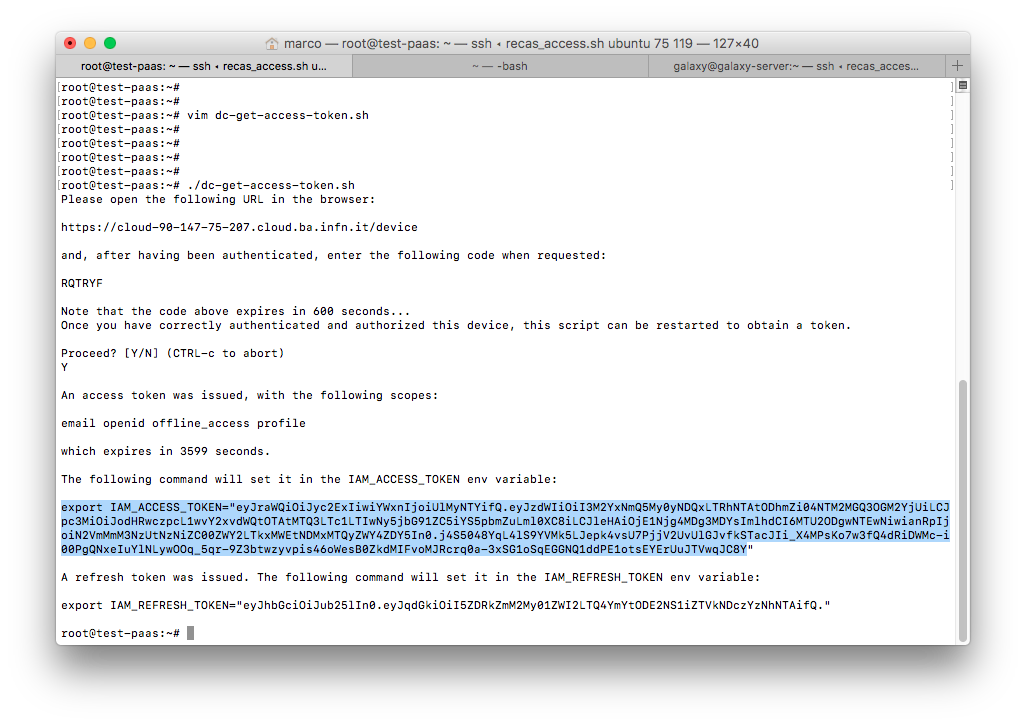
Obtaining an IAM access token
Prerequisites
Create a IAM client. The Redirect URI is not important, so you can exploit the IAM address itself.
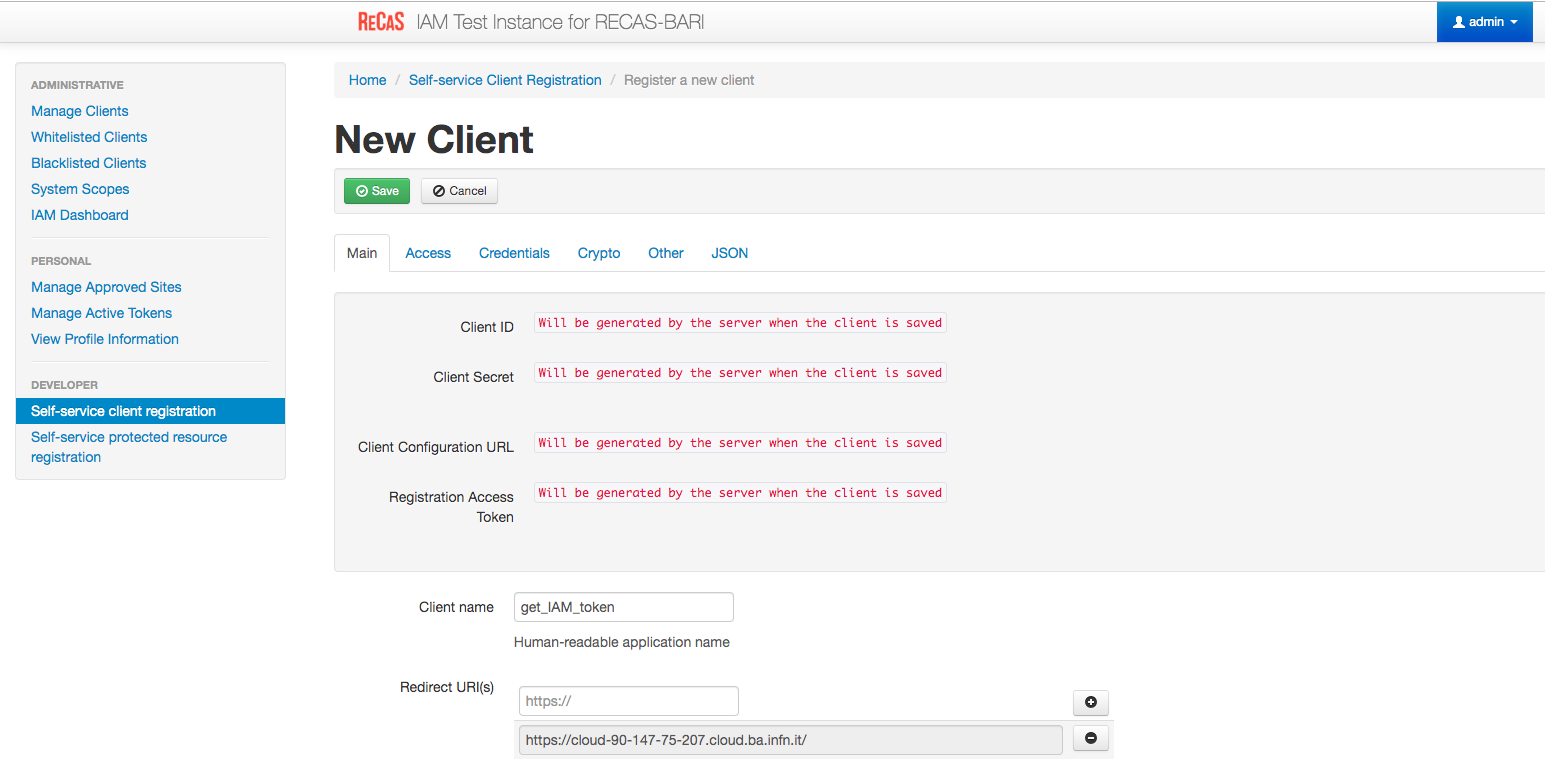
Give the client the rigth Scopes and Grant Types as in the figure:

Save.
Save Client ID, Client Secret and Registration Access Token or the full output json in the JSON tab for future access.
Login as Administrator user and select from the left menu Manage Clients.
Select the client just created.
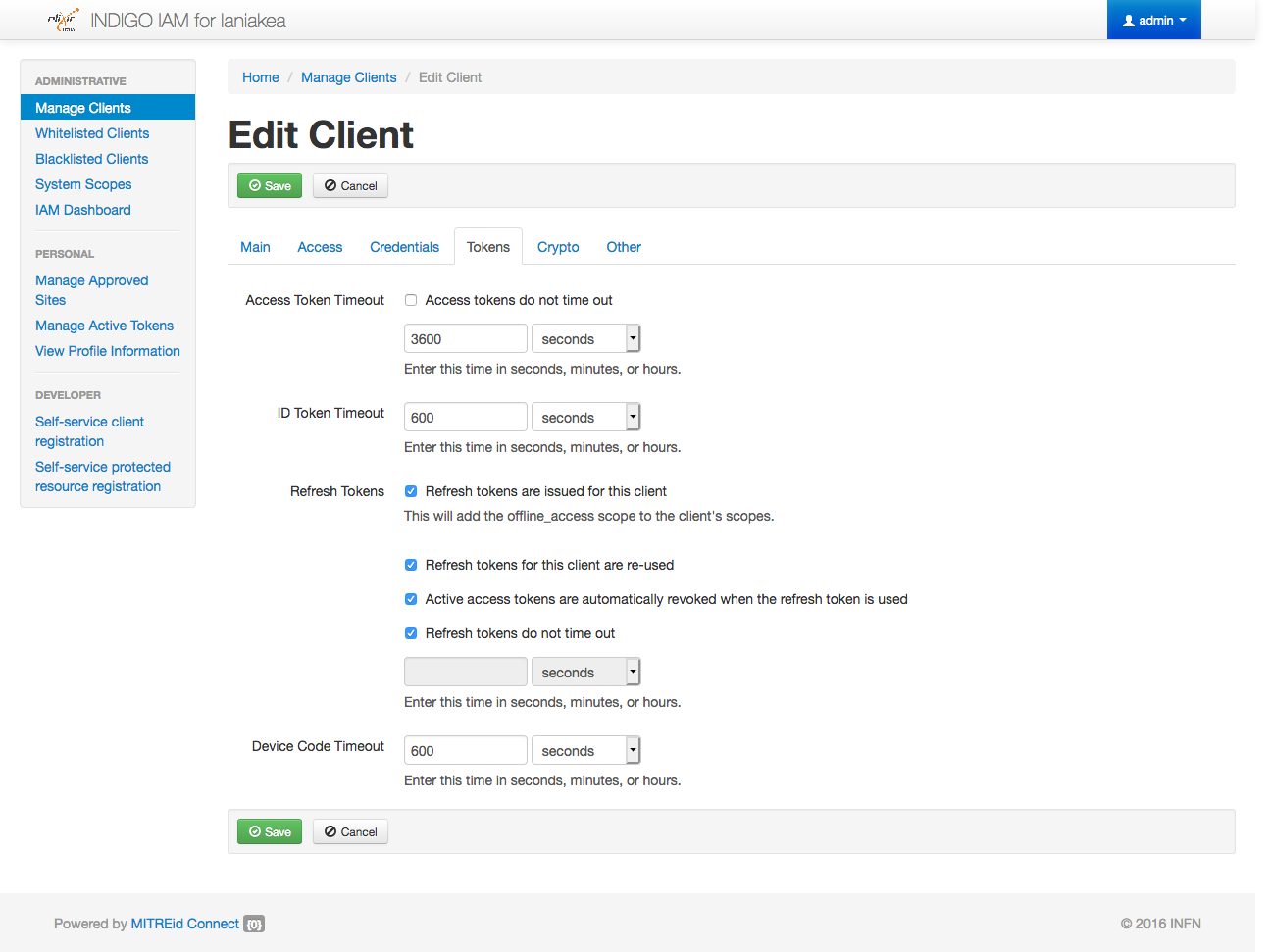
Navigate to the Tokens tab and set it as in the figure and save. In particular the Device Code Timeout should not be empty.
On any linux distirbution, e.g. Ubuntu, Install
jq:# apt-get install jqDownload the following script:
wget https://raw.githubusercontent.com/Laniakea-elixir-it/Scripts/master/IAM/dc-get-access-token.sh
Give
dc-get-access-token.shexecution permissions:chmod +x dc-get-access-token.sh
Create the file
ìam.rcwith the following content:IAM_DEVICE_CODE_CLIENT_ID="<get_iam_token_client_id>" IAM_DEVICE_CODE_CLIENT_SECRET="<get_iam_token_client_secret>" IAM_TOKEN_ENDPOINT="<iam_url>/token" IAM_DEVICE_CODE_ENDPOINT="<iam_url>/devicecode"
Get IAM access token
Run
dc-get-access-token.shscript# ./dc-get-access-token.sh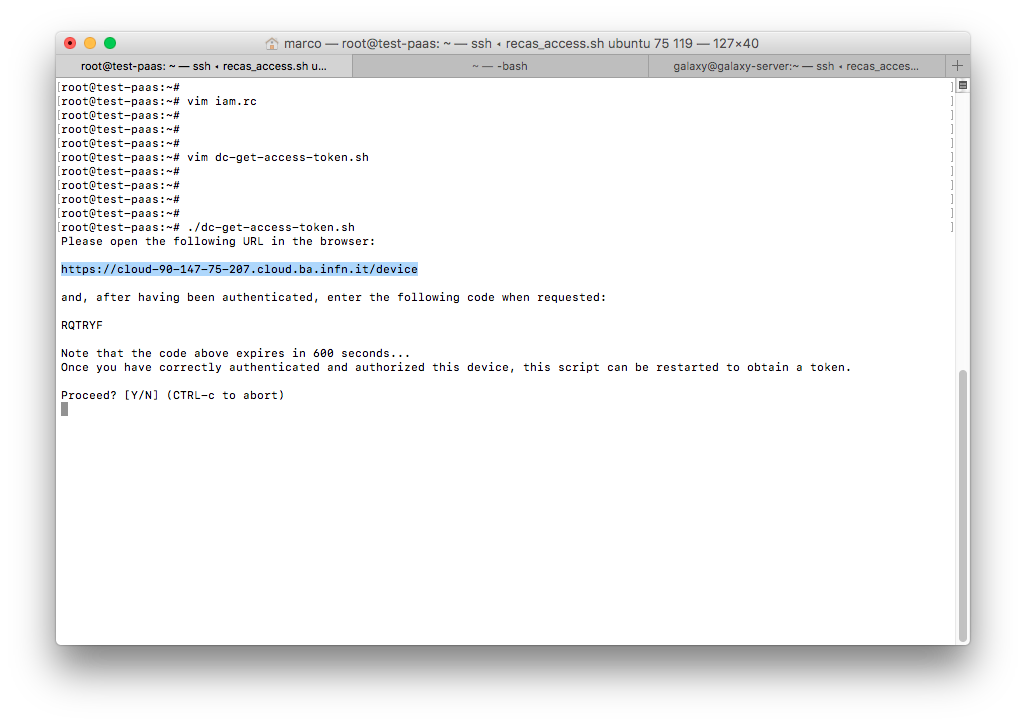
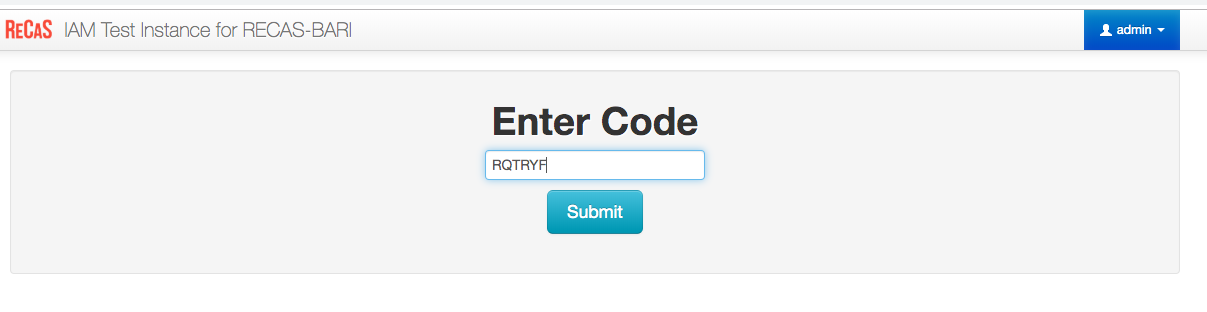
Open in a browser the URL obtained from the script and paste code:
Authorize the client to create a token:

Type
`Yon the shell script and get your access token: