SLA Tool (SLAT)
Warning
The Service Level Agreement Tools (SLAT) replaced SLAM starting from Laniakea v3.0.0.
The Service Level Agreement Tool (SLAT) is used to establish an agreement between customer and provider about capacity and quality targets. SLAT is using INDIGO IAM for authentication and INDIGO CMDB for configuration and authorization for providers.
Note
Current SLAT version v0.1
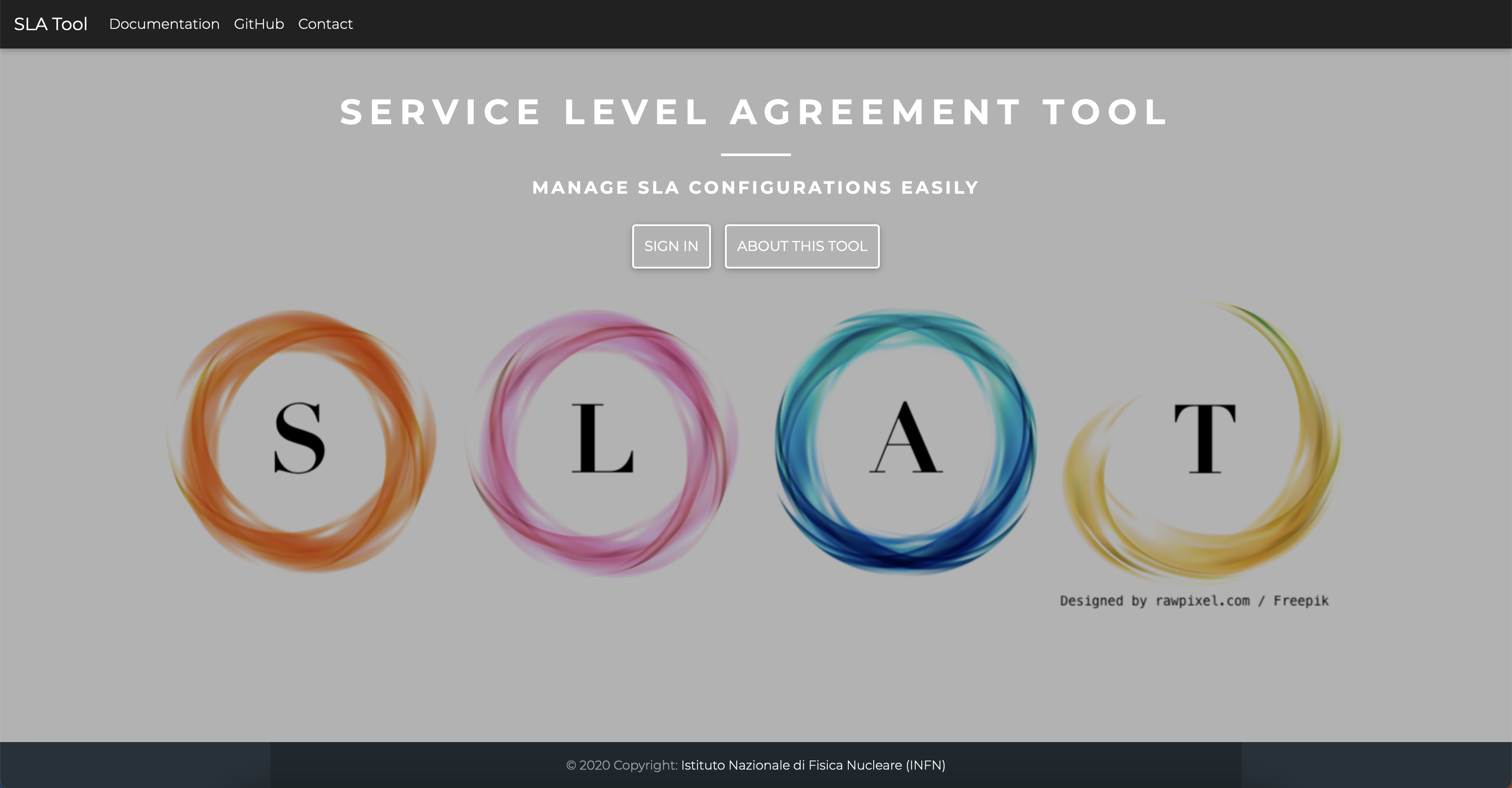
Fig.1: SLAT home page
VM configuration
Create VM for SLAM. The VM should meet the following minimum requirements:
OS |
Ubuntu 22.04 |
vCPUs |
1 |
RAM |
2 GB |
Network |
Public IP address. |
Warning
All the command will be run from the control machine VM.
SLAT IAM client creation
Register a new IAM client for SLAT:
Login in IAM.
Click on MitreID Dashboard and then Self-service client registration.
Click on New client and fill the form with the following parameters:
Client name: slat.client.name

redirect URI = https://<proxy_dns_name>:8443/login/iam/authorized

In the Access tab select the following Scopes
Scopes: openid, profile, email, address, offline_access
and for Grant Types select:
Grant types: authorization code

Save.
Save Client ID, Client Secret and Registration Access Token or the full output json in the JSON tab for future access.
Installation
Create the file indigopaas-deploy/ansible/inventory/group_vars/slat.yaml with the following configured values:
slat_image_name: "marica/slat:latest"

slat_iam_issuer: 'https://<iam_dns_name'
slat_iam_client_id: '<slat-client-ID>'
slat_iam_client_secret: '<slat-client-secret>'

slat_trusted_oidc_idp_list: [{ 'iss': 'https://<iam_dns_name>', 'type': 'indigoiam' }]

slat_admin_group: 'laniakea-paas-admins'

slat_log_level: 'info'

slat_gunicorn_workers: "2"

slat_mysql_image: mysql:5.7
slat_db_data_dir: /data/slat/mysql
slat_cmdb_url: https://<proxy_dns_nanme>/cmdb

slat_db_host: <slat_db_public_ip>
slat_mysql_root_password: ******
slat_db_name: slat
slat_db_user: slat
slat_db_password: *****
slat_db_port: 3306

slat_enable_https: True
slat_ssl_cert_generation: letsencrypt
slat_letsencrypt_email: '<valid_email_address>'
slat_fqdn: "<slat_dns_name>"
slat_ssl_cert_path: "/etc/letsencrypt/live/<slat_dns_name>/fullchain.pem"
slat_ssl_key_path: "/etc/letsencrypt/live/<slat_dns_name>/privkey.pem"
Warning
Set also your custom mysql password with slat_db_password and slat_mysql_root_password.
Run the role using the ansible-playbook command:
# cd indigopaas-deploy/ansible

# ansible-playbook -i inventory/inventory playbooks/deploy-slat.yml
Warning
SLAT will require few minutes to start and will be available at https://<slat_dns_name>:5001
SLAT configuration
Authorize SLAT
SLAT is available at https://<proxy_dns_name>:8443. It will redirect you to IAM
Login with a valid user, that has access to tenants.
Authorize SLAT

Fig.2: SLAT authorization
Resources negotiation
SLAT will retrieve the available services from CMDB automatically.
When you login to SLAT the list of available service providers is shown:
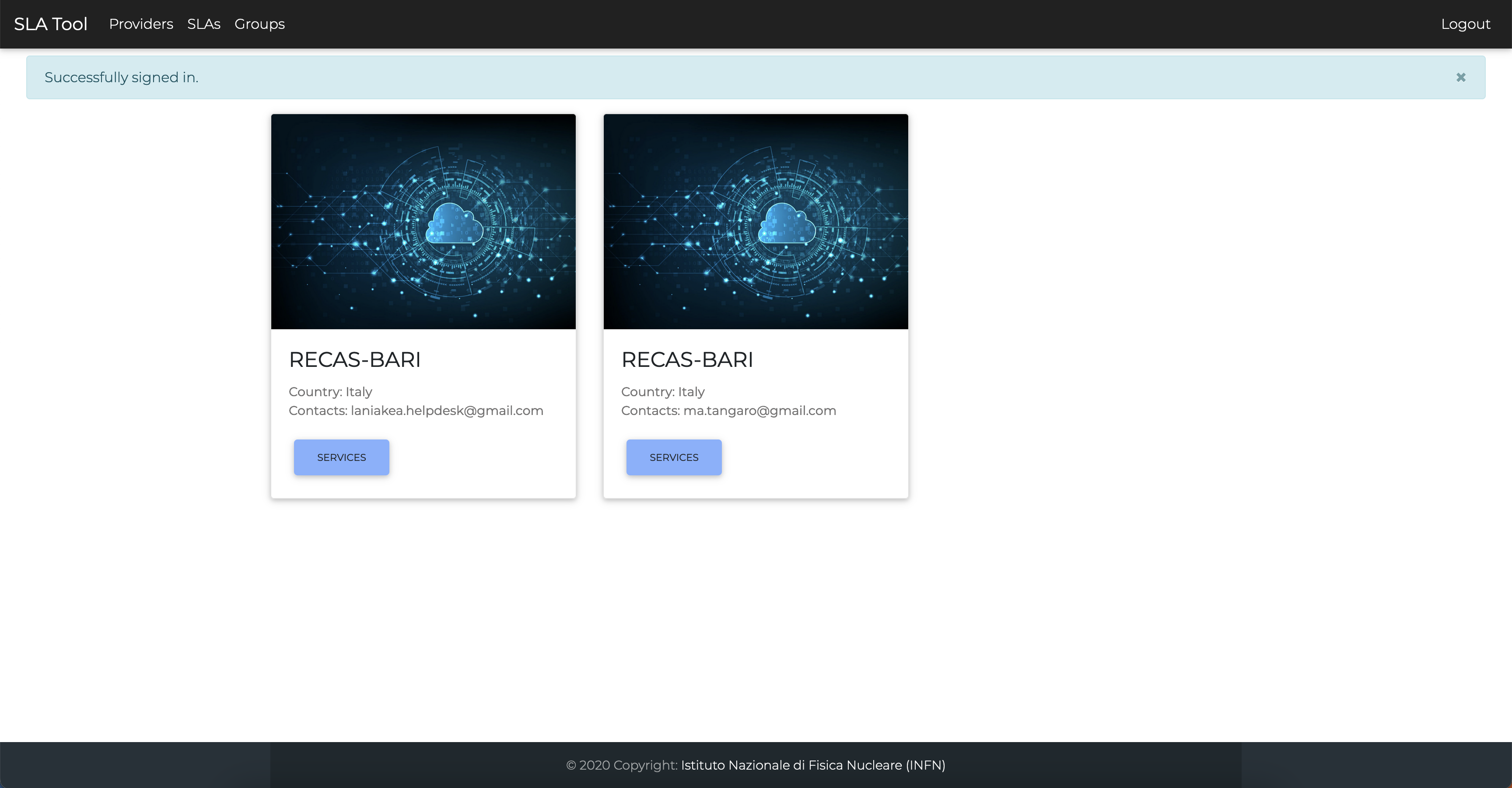
Select the provider and then
Create SLA: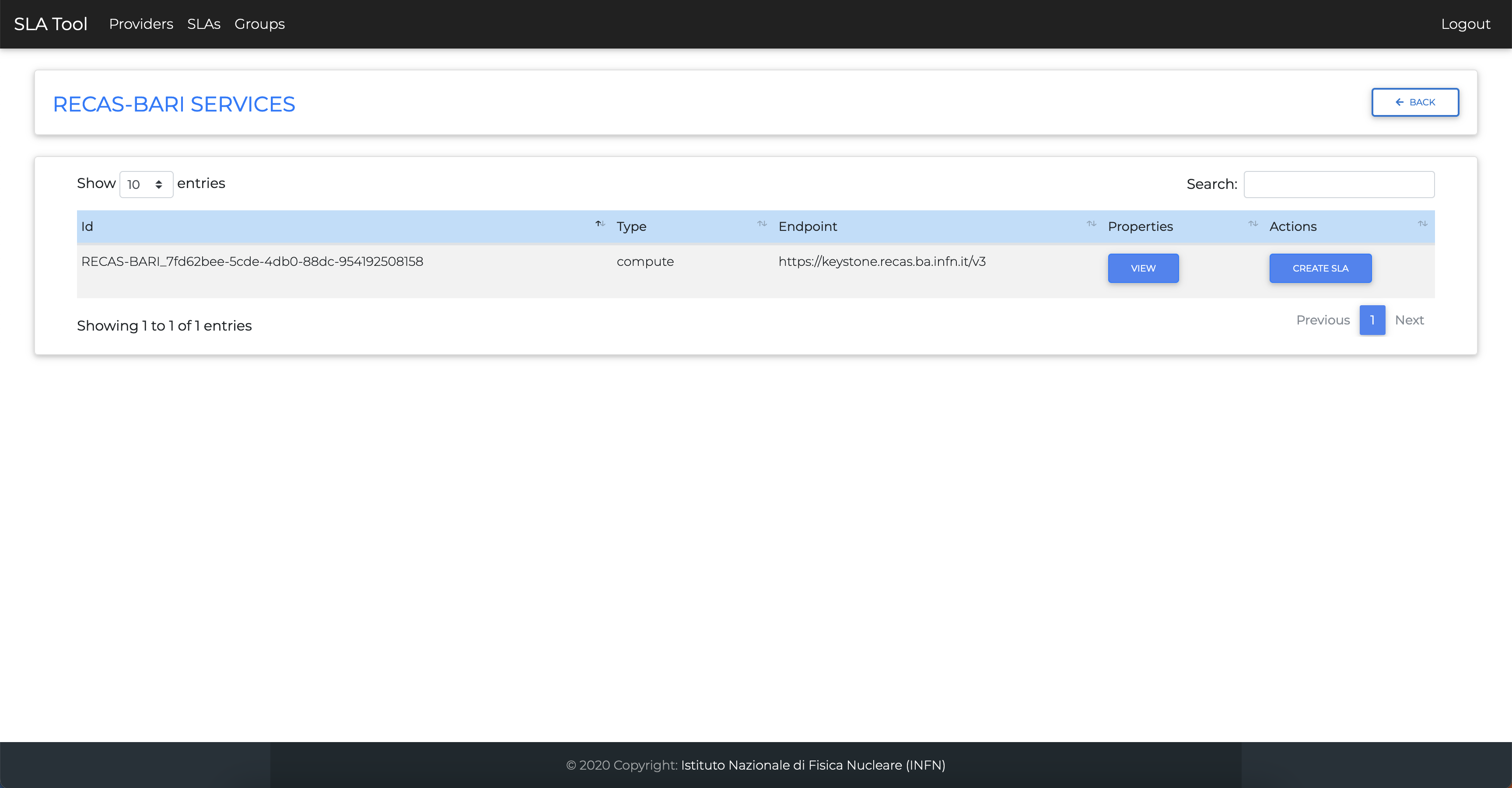
You need a SLA for each tenant you need to include on Laniakea. So Select the tenant in the
Customer Gropupmenu, add the start and end data, and the allocated resources.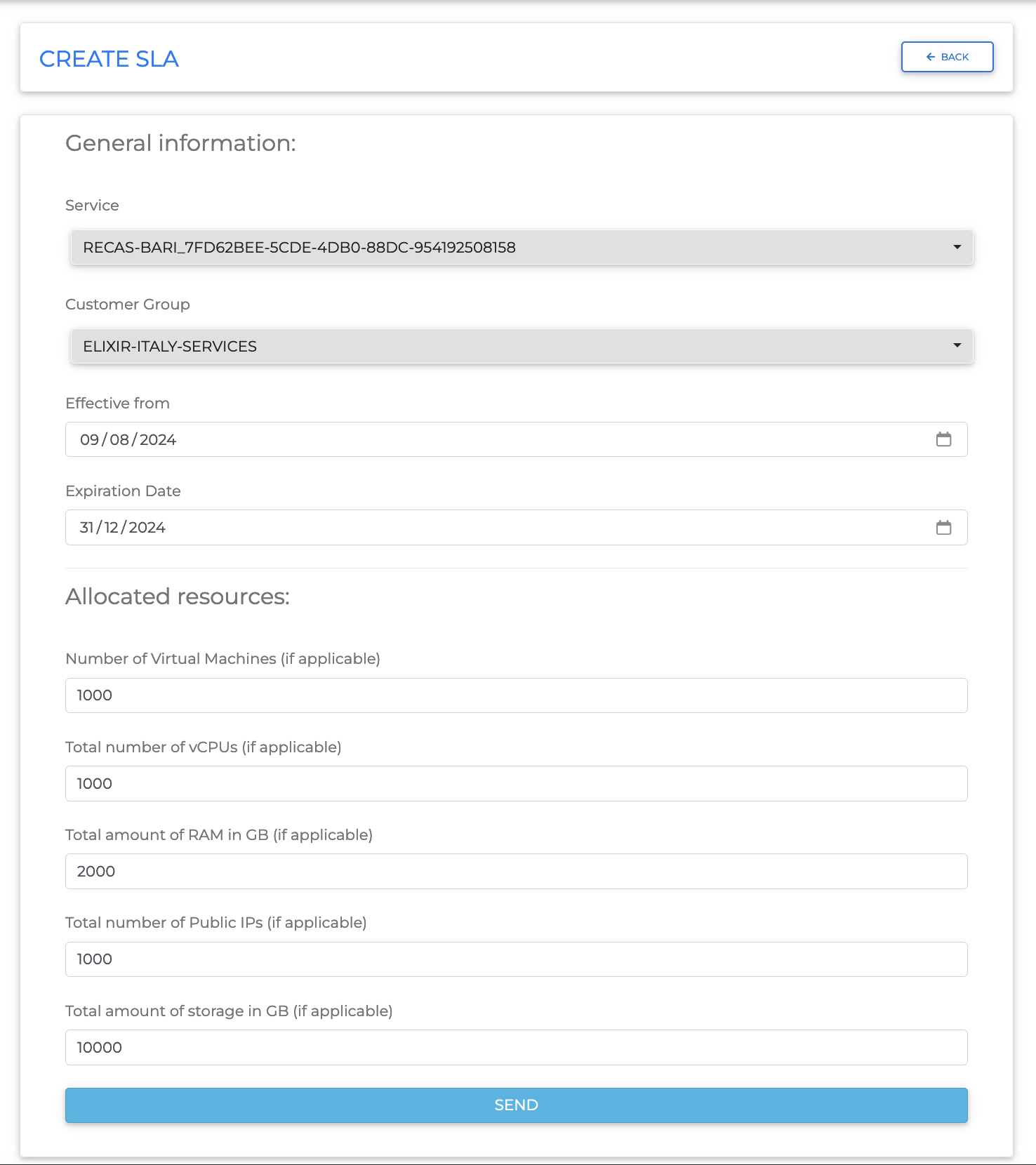
The SLA is now available in the SLA list.