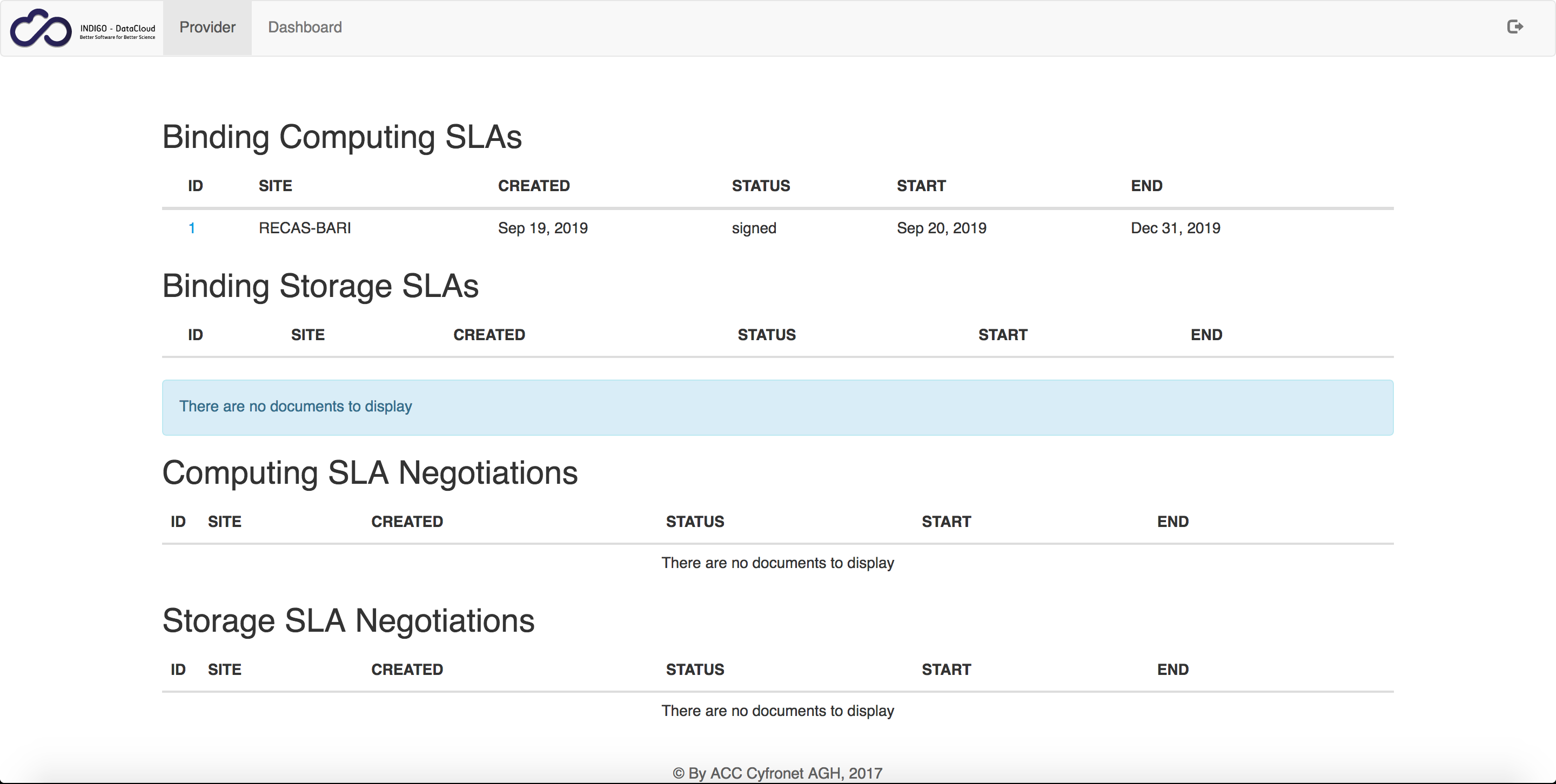
Resources negotiation
Resources con be negotiated through SLAM dashboard creating new computing SLA or storage SLA and filling the form.
For Laniakea login as IAM admin user and create a new computing SLA
Warning
Only Provider and service, Start and End data are currently relevant parameters.
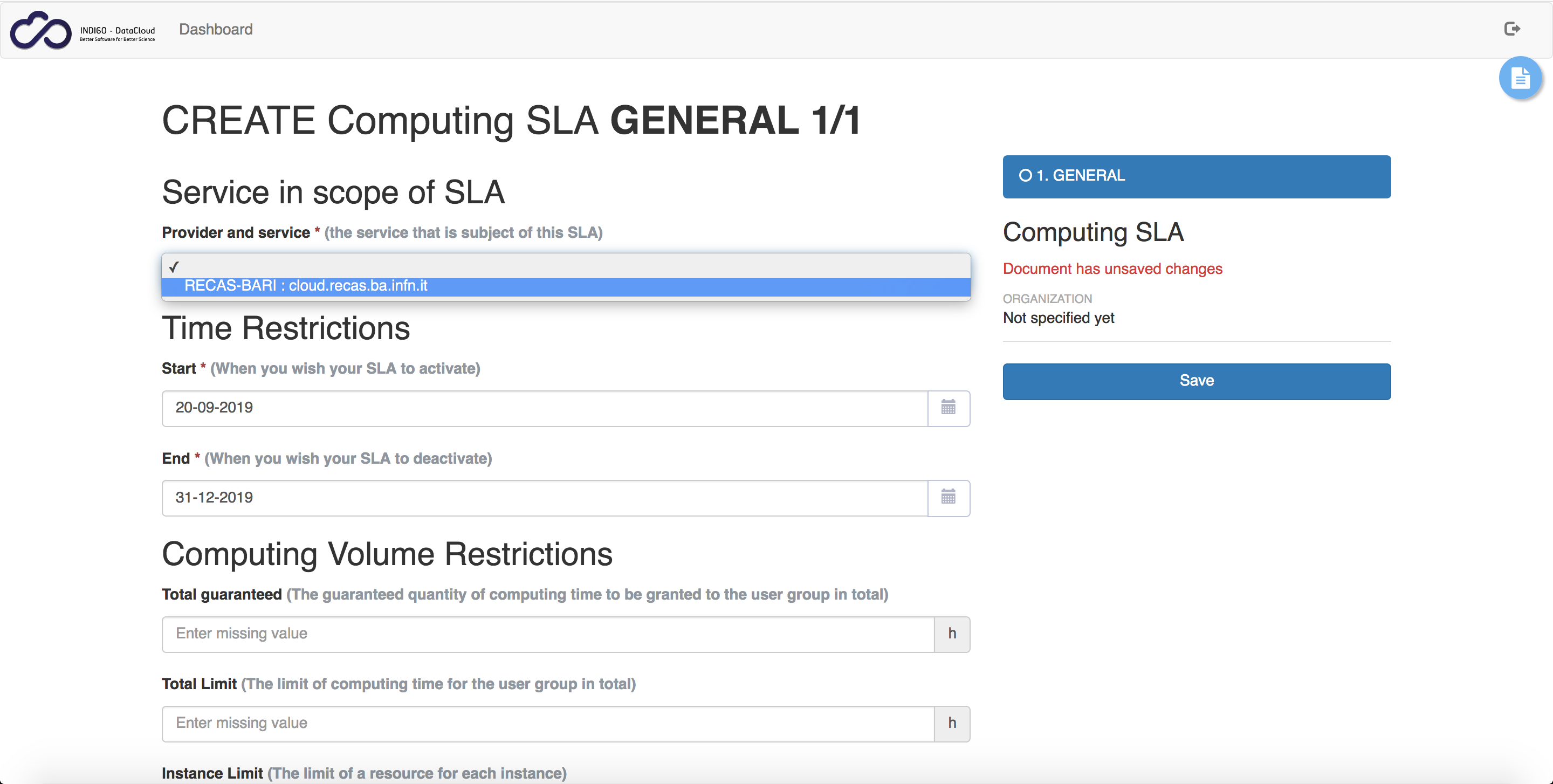
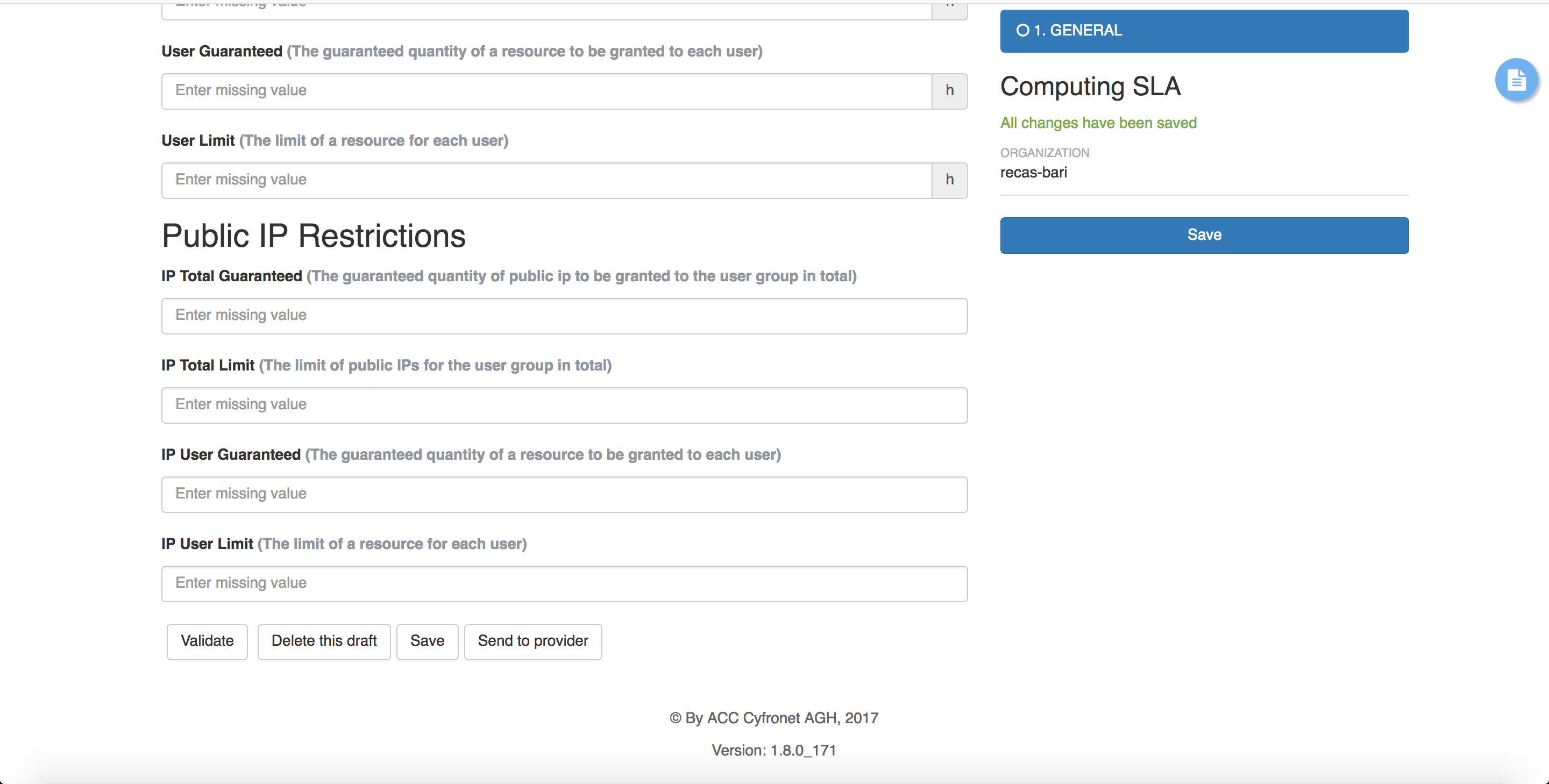
Save the document to perfom actions, validate and send it to provider.
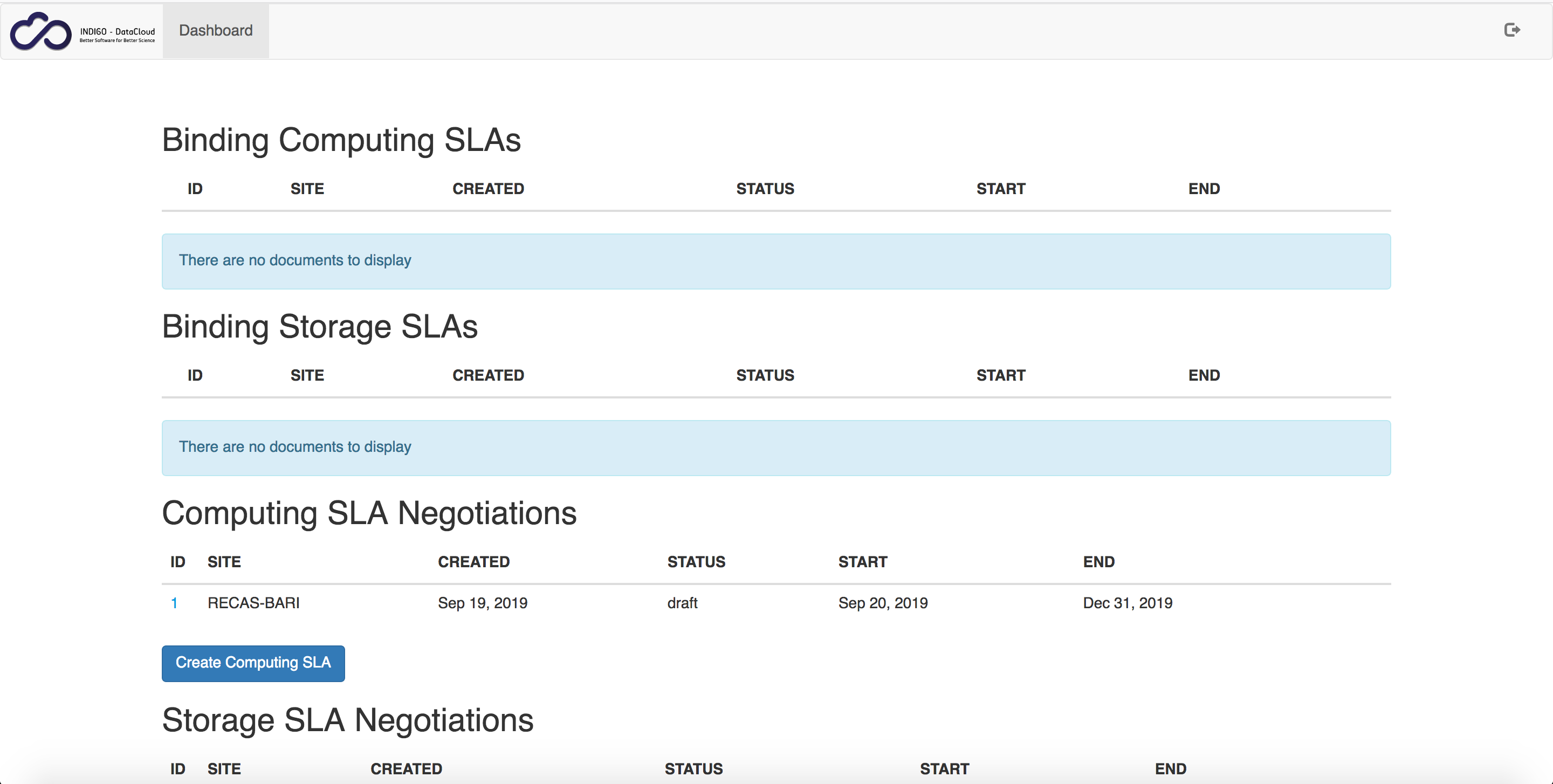
The entry is now available in the dashboard tab.
The SLA is now available in the SLAM dashboard.
The SLA has to be validated by provider owner provided during CMDB configuration (see section CMDB and CPR):
Login with the e-mail address provided during CMDB configuration.
Note
For testing purposes, please, use a browser hidden session to avoid any cookie and login problem.
Tap on the ID in the Provider tab, which is available only for provider user set in CMDB.
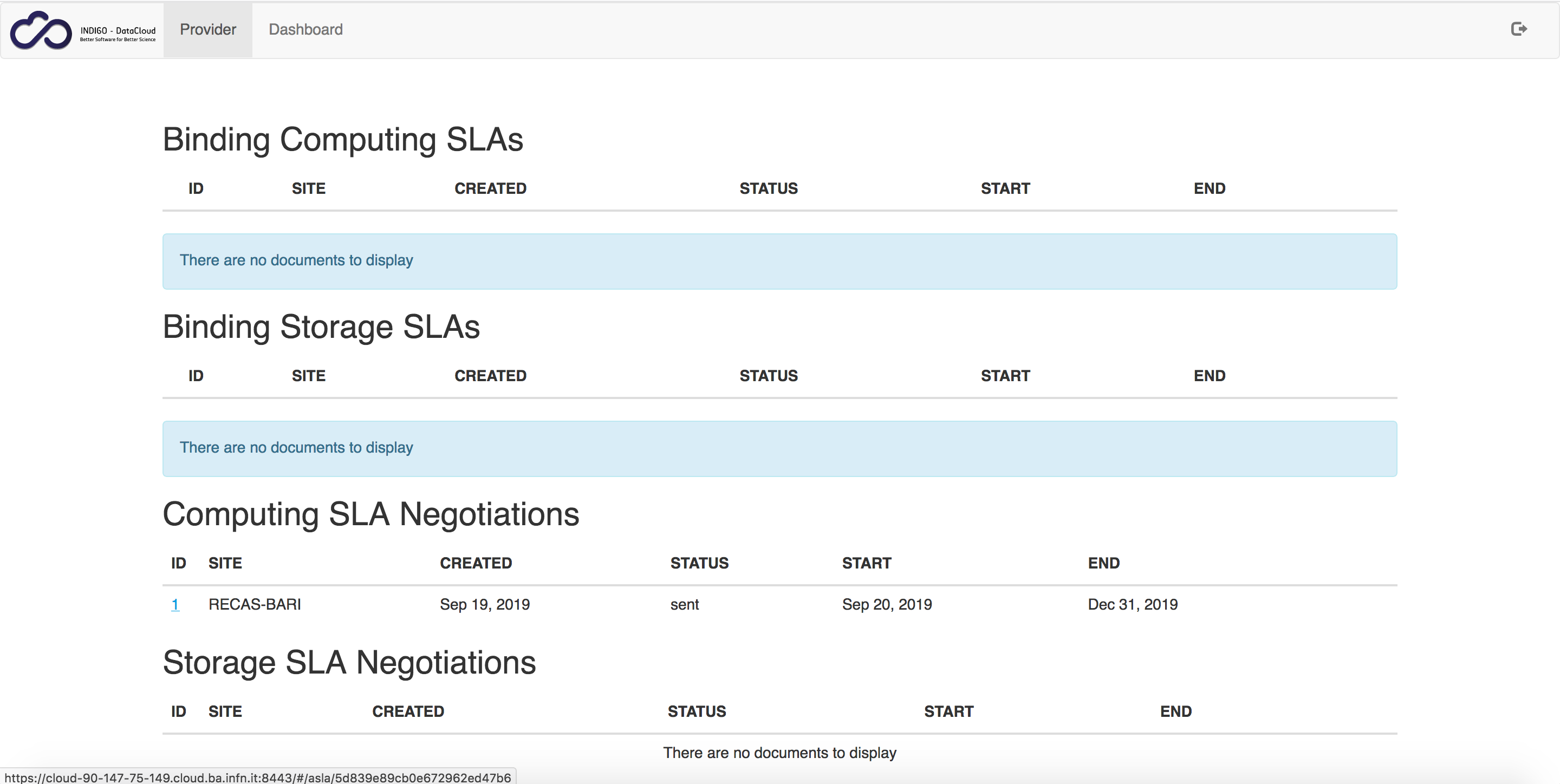
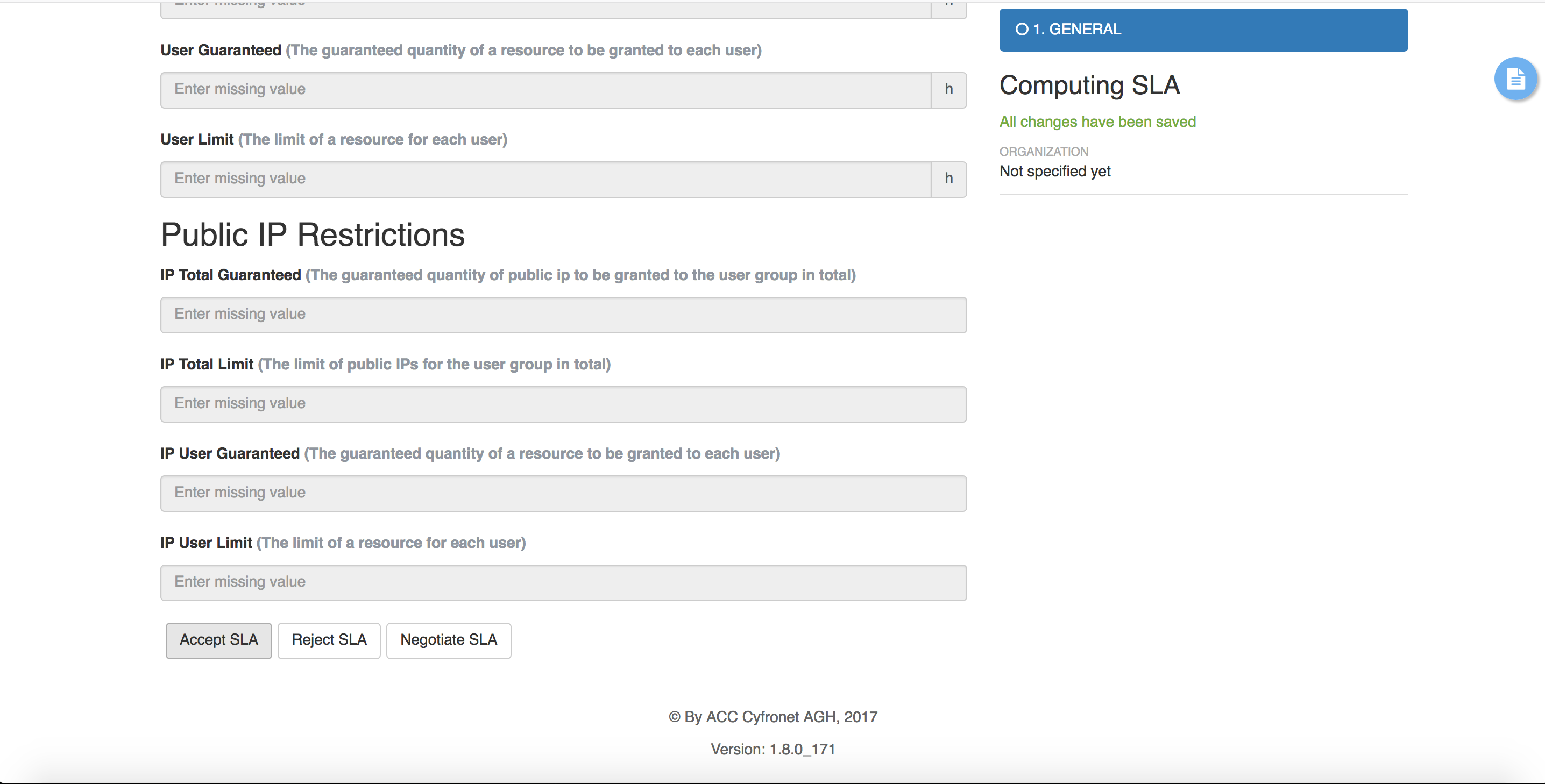
Accept the SLA.
The SLA is now available: